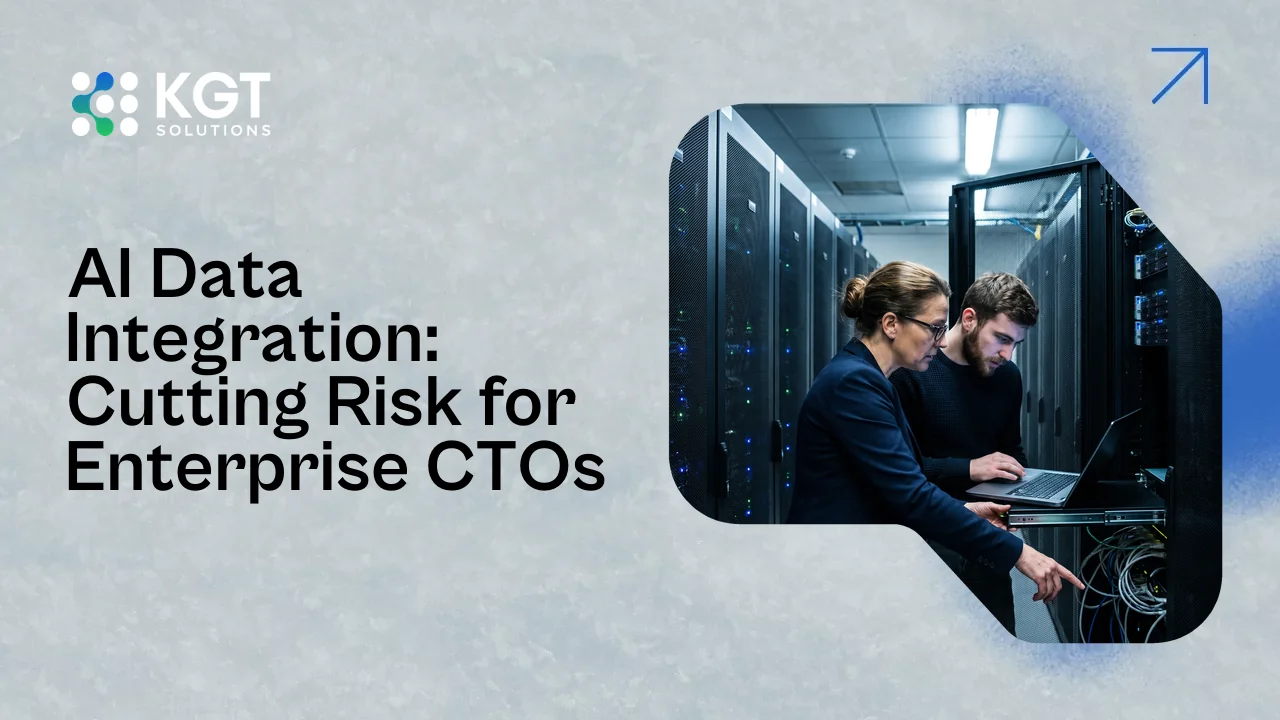
AI Data Integration: Cutting Risk for Enterprise CTOs

AI data integration connects models to your ERP, warehouse, and legacy systems, and most project risk sits in that link, not in the model.
Your AI pilot works in a demo. Then it has to read from SAP, write to a warehouse, and respect the access rules of a 15-year-old system. This guide gives CTOs a risk checklist and a build-vs-buy view for AI data integration, so you can find weak joints before go-live.
Key takeaways:
Gartner expects organizations to abandon 60% of AI projects that lack AI-ready data through 2026.
95% of IT leaders say integration gaps slow their AI adoption, per the 2025 Connectivity Benchmark Report.
Score five risks before go-live: data quality, access control, latency, lineage, and change control.
Buying proven connectors and building your own business logic fails less often than building everything.
A 90-day plan built around one production-bound use case beats a platform-wide rollout.
What AI Data Integration Covers in an Enterprise
AI data integration is the work of feeding models clean, permissioned data from source systems and writing their outputs back to the apps people use.
It runs in two directions. Inbound, ERP records, warehouse tables, documents, and sensor feeds flow to the model. Outbound, predictions, summaries, and agent actions land in your CRM, ticketing tool, or MES.
Most teams plan the inbound side and forget the return trip. That's where duplicate records and wrong approvals come from.
AI business integration is the same job seen from the business side. Which workflow changes, who approves the output, and which system holds the record of truth?
The technical layer underneath includes APIs, event streams, ELT jobs, vector stores, and identity. If you're weighing that layer, our guide to the AI data pipeline build vs buy decision covers it.
Model choice is the smaller decision. A good model on bad plumbing still gives bad answers.
Why AI Data Integration Projects Stall Before Go-Live
AI data integration projects stall because source data is messy, access rules are unclear, and nobody tested the pilot against production systems.
Gartner's February 2025 forecast says organizations will abandon 60% of AI projects that aren't supported by AI-ready data through 2026. The same release cites a survey where 63% of organizations either lack the right data management practices for AI or aren't sure they have them.
Informatica's 2025 CDO survey points the same way. Data quality and readiness ranked as the top obstacle to AI success at 43%. And the 2025 Connectivity Benchmark Report found 95% of IT leaders say integration issues get in the way of AI adoption.
We see the same four failure points again and again:
The pilot ran on a CSV export, and production data has different formats and gaps.
A service account with admin rights fed the model, so it saw records users shouldn't.
Nobody owns the source system, so schema changes land without warning.
The team tested accuracy but never tested a failed API call.
Most AI Projects Fail on Data, Not on Models
What Gartner, Informatica and the Connectivity Benchmark found about data readiness and integration

Five AI Data Integration Risks to Score Before Go-Live
CTOs should score five integration risks before go-live: data quality, access control, latency, lineage, and change control.
Rate each risk from 1 to 5 for every source system. Anything scoring 4 or higher blocks launch until someone owns a fix.
Risk | What breaks | Question to ask |
|---|---|---|
Data quality | Duplicates and stale records produce wrong answers | How complete and current are the key fields? |
Access control | The model sees data the user can't | Does the model inherit the asking user's permissions? |
Latency | Nightly batch data feeds a live agent | How old can data be before the answer is wrong? |
Lineage | You can't trace an answer to its source | Can you show which records produced this output? |
Change control | An upstream field change breaks the pipeline quietly | Who gets alerted when a source schema changes? |
Access control deserves extra attention. IBM's 2025 breach report found that 97% of organizations with an AI-related breach lacked proper AI access controls, and the global average breach cost was $4.44 million.
Here's an edge case that bites. An ERP upgrade renames one field, the pipeline keeps running on nulls, and the model answers confidently for three weeks. Add a null-rate alert on every field the model depends on.
Generative AI Integration: What Changes With LLMs
Generative AI integration adds unstructured data, retrieval, and prompt-level permissions to the usual API and pipeline work.
A classic model reads rows and columns. An LLM also reads contracts, tickets, emails, and wikis. That means chunking, embeddings, and a retrieval layer sit between your documents and the model.
McKinsey's 2025 survey found 88% of organizations use AI in at least one business function, so your teams are probably already asking for this. Our RAG pipeline guide for enterprise CTOs walks through the retrieval build.
Four additions matter most for generative AI integration:
Carry document-level permissions into the index, so retrieval respects who can read what.
Set a refresh schedule. A stale index gives confident answers from last quarter's policy.
Log which sources each answer used, so reviewers can check it.
Define a fallback for empty retrieval. The model should say it doesn't know.
Enterprise AI Governance: Why Most Programs Stall in Year One
AI Business Integration Patterns and Where Each Fits
Four patterns cover most enterprise AI integrations: API wrapper, event stream, warehouse-first, and retrieval layer.
Pattern | Best for | Main risk |
|---|---|---|
API wrapper | Systems with clean APIs and moderate volume | Rate limits and version changes |
Event stream | Real-time triggers such as an order change | Message ordering and replay |
Warehouse-first | Forecasting and analytics-heavy use cases | Data is hours or days old |
Retrieval layer | Documents and knowledge for LLMs | Permission leakage and stale indexes |
Legacy systems need extra care. If your ERP has no usable API, use a read replica or change-data-capture feed. Don't scrape screens or write straight into the core database from a model.
On day one, send model outputs to a staging queue that a person approves. Move to direct writes only after you've reviewed a few hundred outputs and trust the error rate.
Build vs Buy: Who Should Own the AI Pipes
Build, Buy, or Mix: Choosing for AI Data Integration
Match the approach to how unique the integration logic is
Buy proven connectors, build the logic unique to your business, and own the data contracts either way.
MIT's NANDA study on enterprise generative AI reported that tools bought from specialized vendors and built through partnerships succeeded about 67% of the time, while internal builds succeeded about a third as often. Treat that as a directional signal, not a law.
The practical rule is simple. Buy where the connector is a commodity, like Salesforce, SAP, or Snowflake. Build where the integration logic is your edge, like your pricing rules or routing decisions.
Our build vs buy framework for enterprise AI software goes deeper on the trade-offs.
Whichever way you go, write the data contract yourself. List each field, its owner, its freshness, and who gets paged when it changes. A vendor can build the pipe, but you still own the data.
What to Ask an AI Integration Company
An AI integration company should show production references, name its data-access method, and agree to own failures after launch.
Skip the capability deck. Ask these questions in the first call:
Which of your projects connected to a system like ours, and is it live today?
How does the model get data: API, replica, event stream, or export?
How do you carry user permissions through to the model?
What alerts fire when a source schema or data quality changes?
Who fixes a broken pipeline at 2 a.m., and what's the response time?
What do we own at handover: code, data contracts, and documentation?
Red flags include demos on sample data only, a fixed price before anyone looked at your source systems, and no mention of access control. Our guide to choosing an AI consulting company has a longer scorecard.
At KGT we begin with a short source-system review before we quote anything. A fixed price makes sense only after someone has read your schemas.
A 90-Day Plan to Cut AI Data Integration Risk
A 90-day plan picks one production-bound use case, scores five risks in weeks 1 to 3, and ships behind a human approval step.
Weeks 1 to 3: map sources, name owners, and score the five risks for each system.
Weeks 4 to 8: build a thin pipeline on real data in staging, with null-rate and freshness alerts.
Weeks 9 to 12: release to a small group behind human approval, then measure errors and time saved.
Pick the use case with the cleanest data, not the loudest sponsor. A narrow win teaches you more about your systems than a broad pilot.
Pair the launch with review tiers and named owners. Our post on why enterprise AI governance programs stall shows how to keep that going after go-live.
Frequently Asked Questions
What is AI data integration?
How long does AI data integration take?
How is generative AI integration different from classic integration?
How do you connect AI to an ERP system safely?
Should we build or buy our AI integration?
What is the biggest integration risk for AI projects?
Conclusion
Integration for AI succeeds when you score the five risks early, own the data contracts, and release behind human approval.
Start with one source system this week. Score it against the five risks, name an owner, and decide what to buy and what to build. If you want a second set of eyes, the KGT team can review your integration plan with you.
Sources:
Gartner - Lack of AI-Ready Data Puts AI Projects at Risk, February 2025
Salesforce and MuleSoft - 2025 Connectivity Benchmark Report
Informatica - CDO Insights 2025
IBM - Cost of a Data Breach Report 2025
McKinsey - The State of AI 2025 Global Survey
MIT NANDA - The GenAI Divide: State of AI in Business 2025
Protocol AI Newsletter
Practical insights on AI, automation, and intelligent systems focused on real-world applications, not hype.