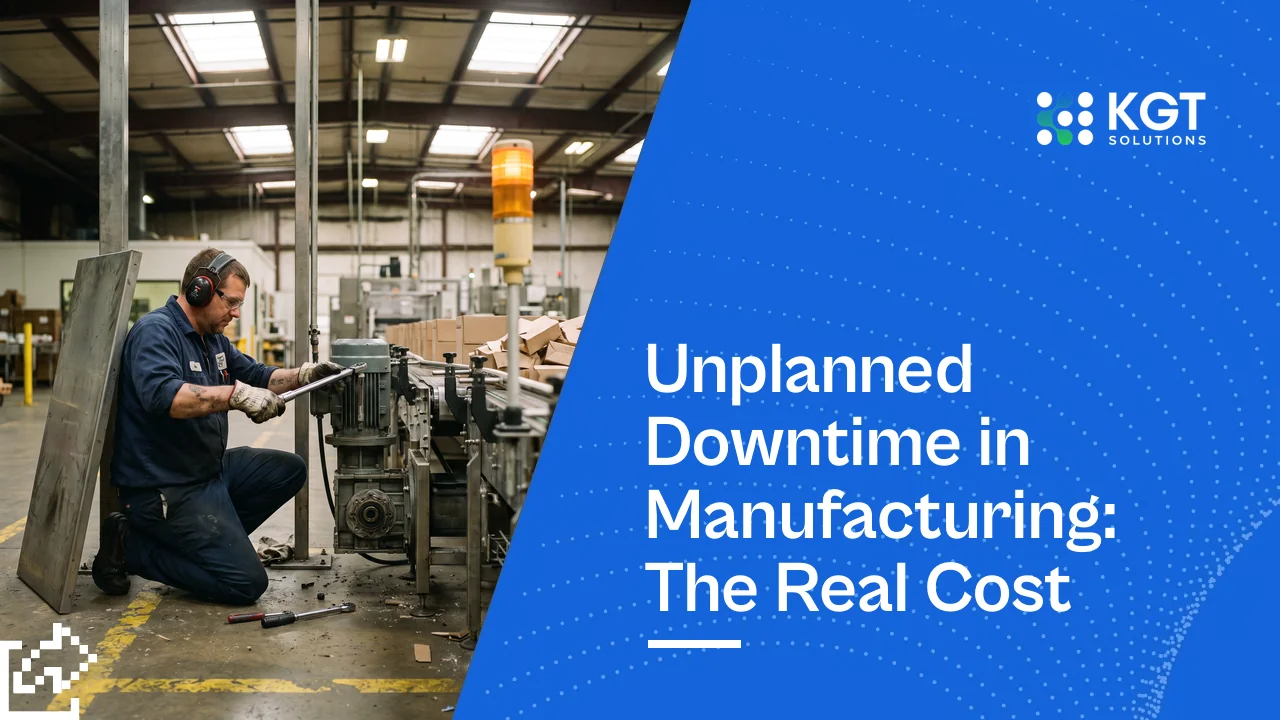
Automated Document Processing Platform Buyer Guide


An automated document processing platform reads PDFs, scans and emails, pulls out the fields you need, and sends checked data to your ERP.
Key Takeaways
Automated document processing platforms win on field accuracy, exception handling and ERP fit, not on OCR alone.
IDC estimates roughly 80% of enterprise data is unstructured, and a big share of it sits in PDFs, scans and email attachments.
Ardent Partners puts the average cost to process one invoice at $9.40, against $2.78 for best-in-class AP teams.
MarketsandMarkets projects the intelligent document processing market to grow from $1.1B in 2022 to $4.1B by 2027, about 30% a year.
A 30-field invoice read at 99% per-field accuracy comes out fully correct only 74% of the time.
Test every vendor on 500+ of your own documents, never on their demo set.
Your finance team is still keying data from scanned forms. Your OCR pilot stalled because someone still checks every field.
An automated document processing platform fixes that. It reads documents like a trained clerk and flags only what it isn't sure about. This guide covers IDP vs OCR, build vs buy, and how to run a vendor pilot that tells you the truth.
What Is an Automated Document Processing Platform?
An automated document processing platform combines OCR, AI extraction, validation rules and a review queue to turn documents into clean data.
Picture your best AP clerk. They open an invoice, spot the vendor, find the PO number, check the total against the PO, and key it into SAP. A good platform does the same steps, in the same order, thousands of times a day.
Most platforms have six parts:
Capture: pulls files from email inboxes, scanners, SFTP folders and APIs.
Classification: sorts invoices from purchase orders, delivery notes and contracts.
Extraction: reads fields, tables and line items, even when layouts change.
Validation: checks values against master data like vendor IDs and open POs.
Human review: sends low-confidence fields to a person, with the source image beside them.
Export: writes approved data into your ERP, CRM or data warehouse.
Document process automation is the wider practice. The platform is the software that runs it.
McKinsey Global Institute found about 60% of occupations have at least 30% of tasks that could be automated. Document handling makes up a big slice of that in finance and operations. It's also one of the few areas where process automation pays for itself fast.
Intelligent Document Processing vs OCR: What Changes?
Intelligent document processing vs OCR comes down to meaning: OCR reads characters, IDP knows which characters matter and checks them.
OCR turns an image into text. It doesn't know that "INV-20931" is an invoice number or that the second table holds line items. Intelligent document processing adds that understanding, plus the checks that catch mistakes.
Capability | Plain OCR | IDP platform |
|---|---|---|
Output | Raw text | Labelled fields and tables |
New layouts | Template breaks | Handles unseen layouts |
Handwriting | Weak | Better, still imperfect |
Validation | None | Business rules and master data |
Confidence scores | Per character | Per field |
Human review | Every document | Only flagged fields |
Learning | Static | Improves from corrections |
Here's the trap most OCR pilots fall into. OCR on clean printed text often reads 98-99% of characters correctly, which sounds great. But a 30-field invoice at 99% per-field accuracy is fully correct only 74% of the time, and at 95% it drops to 21%.
That's why field-level confidence and validation matter more than headline accuracy. A system that knows when it's wrong saves more time than one that's slightly more accurate but silent about its errors.
The Accuracy Trap in Document OCR
Chance a 30-field invoice comes out fully correct, at different per-field accuracy levels.
Why it matters: errors compound across fields. Judge vendors on documents that pass with zero human touch, not on character accuracy.

Should You Build or Buy Document AI?
An automated document processing platform is the right buy for invoices and POs. Build only when your documents or rules are unusual.
Document processing automation for invoices, purchase orders, bank statements and ID cards is a solved problem. Vendors have trained on millions of them. Building your own extractor for these is like casting your own bolts when a supplier can ship them tomorrow.
Build makes sense in three cases:
Your documents are rare, like mill test certificates, customs forms or handwritten shift logs.
Data residency rules block sending files to a vendor cloud, for example under India's DPDP Act or GDPR.
Volume is high enough that per-page fees outgrow the cost of an in-house team.
Most enterprises land on a hybrid. They buy the extraction engine and build the validation rules, review screens and ERP integration around it.
That integration layer is where most project hours go, so budget for it. Our build vs buy AI decision framework walks through the full cost math.
What Should a Vendor Pilot Test?
A vendor pilot should run 500+ of your real documents and measure straight-through processing rate, not demo accuracy.
Demos use clean samples. Your mailroom doesn't. A pilot is the only honest test of document processing automation, so run it like an acceptance test:
Build a test set of 500-1,000 real documents. Include the ugly ones: faxes, phone photos, stamps, multi-page PDFs and rotated scans.
Label the correct answers first. Without ground truth, every accuracy number is the vendor's opinion.
Score each field separately. Totals and dates may score high while line-item descriptions lag far behind.
Measure straight-through processing (STP). STP is the share of documents that need zero human touch.
Time the review queue. Track seconds per exception, since that's your real labor cost.
Throw in a new layout mid-pilot. See how fast the system adapts without a vendor ticket.
Test the write-back. Push approved data into SAP, Oracle, Dynamics or Tally until you see a posted record.
Give the pilot 4-6 weeks. Shorter pilots miss month-end volume spikes, which is exactly when your team feels the pain.
AI Data Integration: Cutting Risk for Enterprise CTOs
How Do Top-Rated Document Processing Solutions Compare?
Top-rated document processing solutions fall into three groups: cloud AI services, dedicated IDP platforms and custom pipelines.
Each group suits a different team. The right pick depends on who will run it after go-live, not on which demo looked best.
Type | Examples | Best for | Watch out for |
|---|---|---|---|
Cloud AI services | AWS Textract, Google Document AI, Azure AI Document Intelligence | Teams with developers and high volume | You build the workflow and review screens |
Dedicated IDP platforms | ABBYY Vantage, Rossum, Hyperscience, UiPath Document Understanding | Finance and ops teams wanting a full product | Per-page pricing climbs with volume |
Custom pipeline | OCR plus LLM extraction plus your rules | Rare documents, strict data residency | You own upkeep and model drift |
Large language models have changed the build option. An LLM can pull fields from a layout it has never seen, with no template.
But LLM outputs vary from run to run. You still need validation rules and confidence checks before anything touches your ledger. The same discipline as a RAG pipeline for enterprise LLMs applies here: test sets, logging and human review.
Where Do Document Automation Projects Go Wrong?
Document automation projects fail on edge cases: bad scans, messy vendor master data and exception queues nobody owns.
The software rarely fails first. The process around it does. These are the patterns that sink document processing solutions after launch:
Clean pilot, dirty production. Accuracy drops the week real scans, stamps and phone photos arrive.
Orphan exception queue. Nobody owns the review queue, so it grows into thousands of items and the old manual process quietly returns.
Messy master data. Duplicate vendor records break PO matching, and the platform gets blamed.
Wrong metric. Teams report character accuracy while the business cares about cost per document.
No retraining loop. Corrections never feed back into the model, so the same errors repeat every month.
The cost gap is real. Ardent Partners reports best-in-class AP teams spend $2.78 per invoice against a $9.40 average, about 70% less. That gap comes from process discipline as much as software.
What One Invoice Costs to Process
Average accounts payable teams vs best-in-class teams using automation and clean process.
lower cost per invoice. At 10,000 invoices a month, that gap is about $66,000 every month.
Frequently Asked Questions About Automated Document Processing Platforms
How accurate is intelligent document processing on real invoices?
What is the difference between IDP and RPA?
How long does it take to deploy an automated document processing platform?
Can document process automation handle handwritten forms?
Do LLMs replace IDP platforms?
Which documents should we automate first?
Conclusion
Your automated document processing platform search should start with one high-volume document type and a 500-file test set.
Pick the document that eats the most team hours, usually invoices. Label a test set, run two vendors side by side for 4-6 weeks, and compare STP rate and review time. KGT's engineers can help you scope that pilot or build a custom extraction pipeline.
Sources:
IDC - The Digitization of the World: From Edge to Core (Data Age 2025)
Ardent Partners - State of ePayables 2023
MarketsandMarkets - Intelligent Document Processing Market Global Forecast to 2027
McKinsey Global Institute - A Future That Works: Automation, Employment, and Productivity
Amazon Web Services, Google Cloud, Microsoft Azure - Document AI service documentation
Protocol AI Newsletter
Practical insights on AI, automation, and intelligent systems focused on real-world applications, not hype.